Decision Wheel
Decision maker
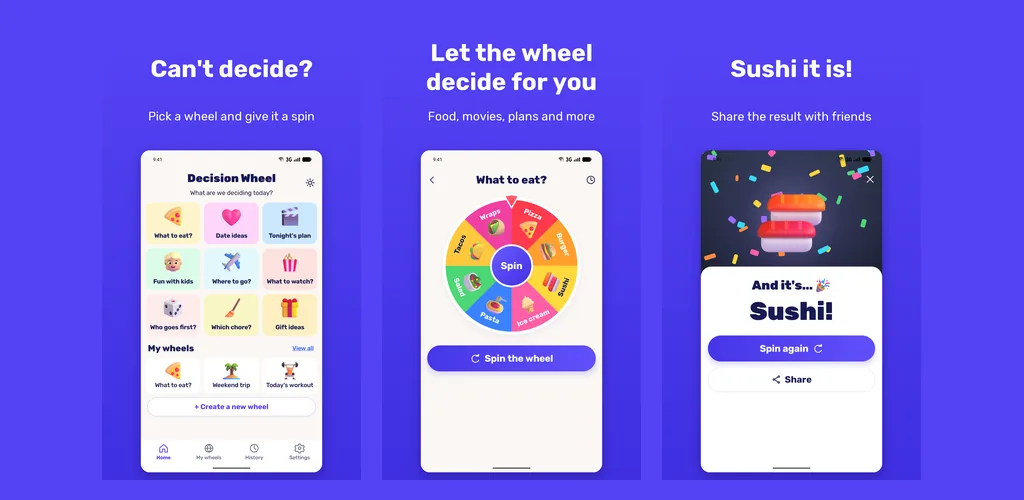
Can't decide what to eat or who goes first? Pick a ready made wheel or build your own, then spin.
Photo editor · Android
Ever wondered how a slimmer bridge or a lifted tip would look on you? Pick a photo, drag a slider and watch your own nose change as you drag. There's no upload and no account.
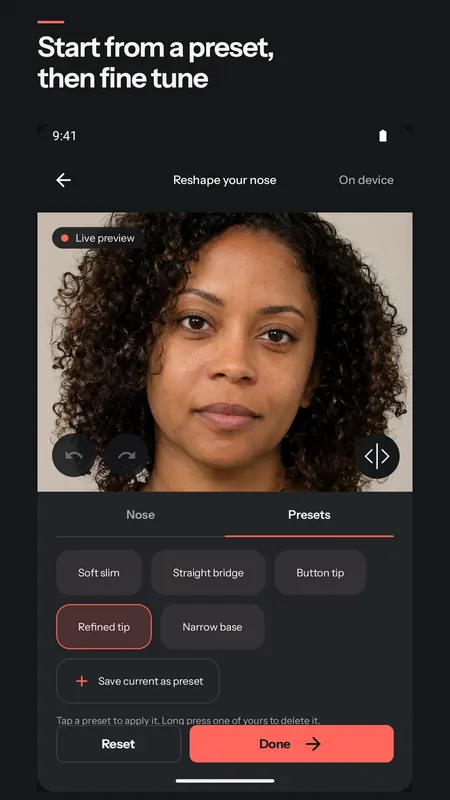
Pick a front facing photo from your gallery, or take a selfie. The app finds 468 points on your face, right on the phone, and uses them to reshape the nose area of the picture. Nothing gets pasted on top.
Your eyes, your mouth and the outline of your face stay exactly as they were, and your skin texture is kept. So the result still looks like a photo of you. I also capped how far any part of the nose can move, which is why even a slider pushed all the way doesn't turn you into a cartoon.
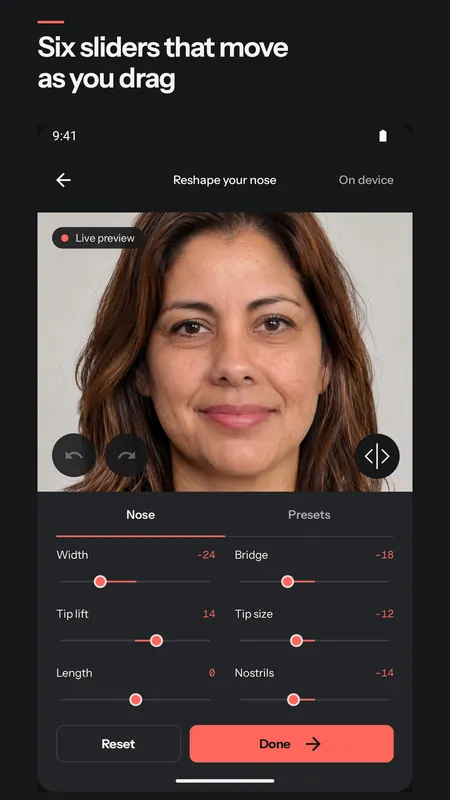
The sliders are Width, Bridge, Tip lift, Tip size, Length and Nostrils. Each one goes from minus 50 to plus 50, and zero is your own nose. The photo changes while you drag, so you can stop the moment it looks right.
If you'd rather not start from zero, there are five presets: Soft slim, Straight bridge, Button tip, Refined tip and Narrow base. Apply one, then fine tune it with the sliders. When you find a look you like, save it as your own preset and try it on another photo later.
While you edit, holding it shows your original photo. Let go and the new nose is back.
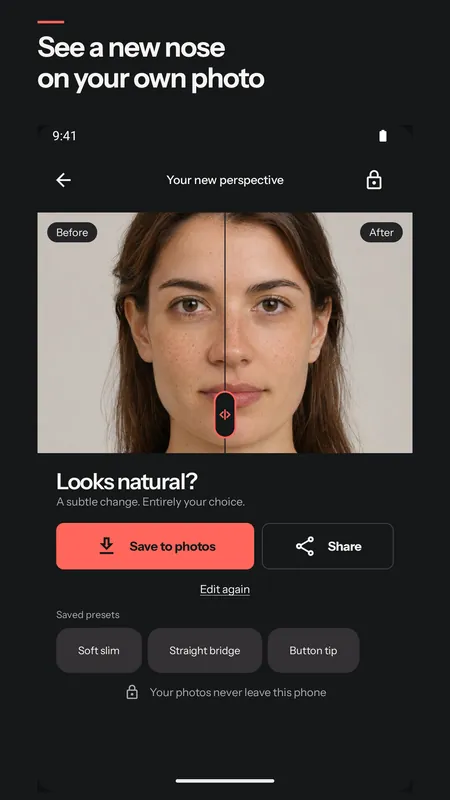
On the result screen a divider runs down the photo, with before on one side and after on the other. Slide it across to see both.
Save the result to your gallery or share it with a friend. Undo, redo and reset are there the whole time, so nothing you try is final.
Front facing photos work best, with your whole face in view and soft, even light. Glasses and beards are fine. A side profile won't work, because the face points need a view from the front.
There's no upload, no account and no sign in. The face points are found on the phone, and your photos and face points are never sent anywhere. Recent edits are kept inside the app until you delete them. The Nose Editor privacy policy has the details in plain words.
Everything above is free: all six sliders with their full range, every preset, the compare button, the before and after divider, saving and sharing. Free saves are sized for sharing, up to 1080 pixels, with a small Nose Editor mark in a corner.
There's a small banner on the home and result screens, never in the editor. From your second save or share on, a full screen ad can show when you come back to the app, at most once every two saves or shares and at least three minutes apart. It never shows the first time you use the app.
Nose Editor Pro is a one time purchase, not a subscription. It removes all ads, saves clean photos at their original size with no mark, and adds a short before and after video of your nose changing. You can also keep up to 4 versions of a photo and compare them side by side, and keep as many presets and recent edits as you like. The free app keeps 3 of each.
Yes. Editing, presets, the before and after view, saving and sharing are all free. Pro is an optional one time purchase for ad free, full size saves and the extras above.
No. Your photo is edited on your phone and never leaves it. There's no account, so there's nothing to log in to either.
It needs a view from the front with your whole face in the picture. Try a photo taken straight on, in soft light. Profile shots won't work.
No. The editing all happens on the phone, so it works without a connection. The ads and buying Pro need one.
No. Nose Editor is for fun and curiosity. It shows one possible look on a photo, and it doesn't give medical advice.
Can't decide what to eat or who goes first? Pick a ready made wheel or build your own, then spin.

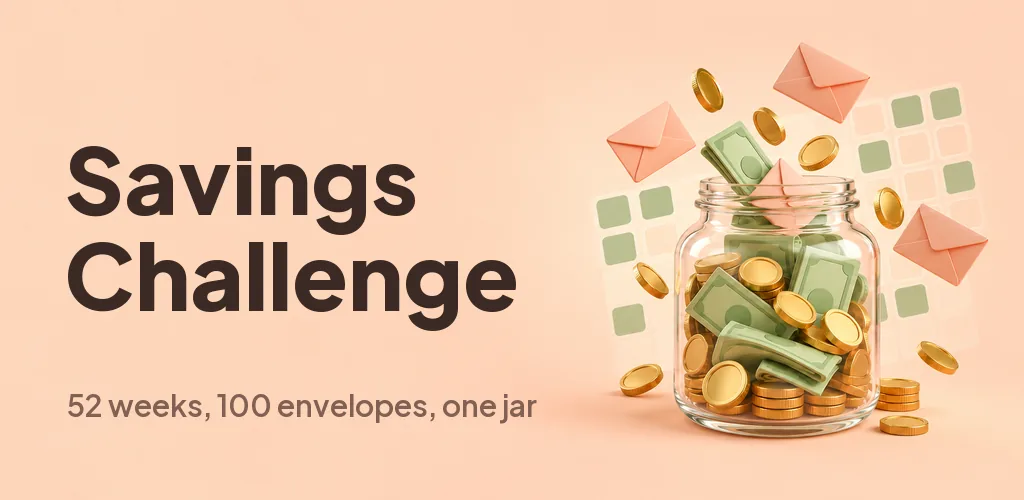
Pick a week or draw an envelope, tap to save and watch the jar fill up. Do 52 weeks, 100 envelopes or your own goal.
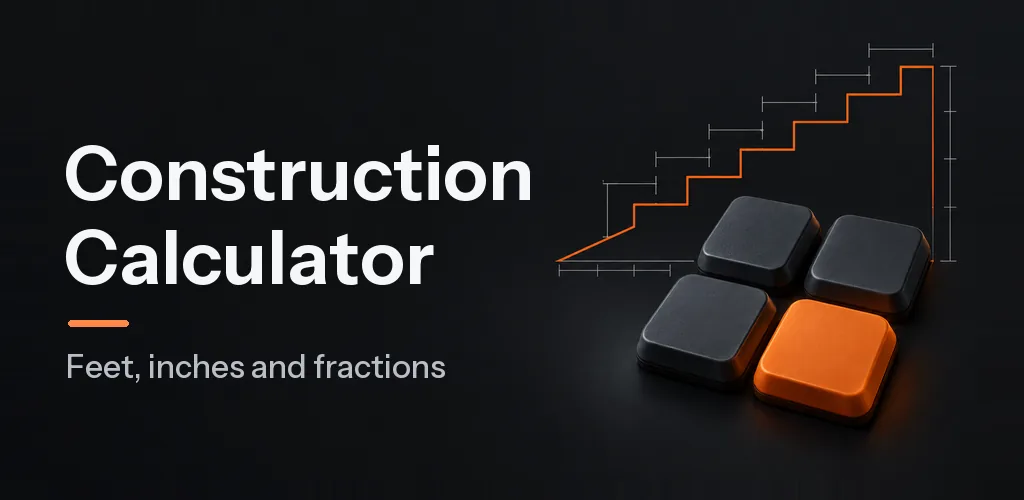
A feet, inch and fraction calculator that keeps exact fractions. Pro adds stairs, rafters, concrete and six more tools for $6.99 once.