Decision Wheel
Decision maker
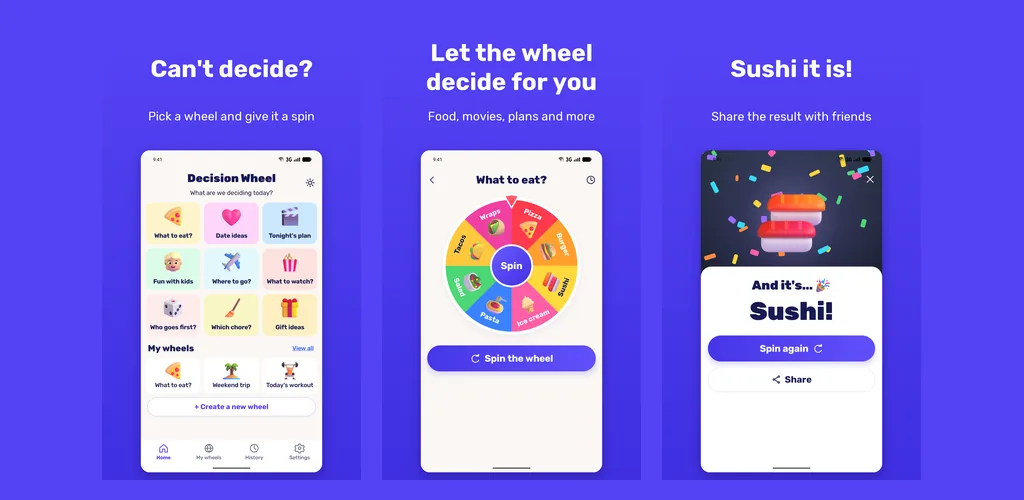
Can't decide what to eat or who goes first? Pick a ready made wheel or build your own, then spin.
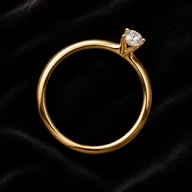
Measuring · Android
Lay a ring you already own on the screen, match the circle to its inside edge, and read the size in US, UK, EU and Japanese sizes. It works offline and there's no account.
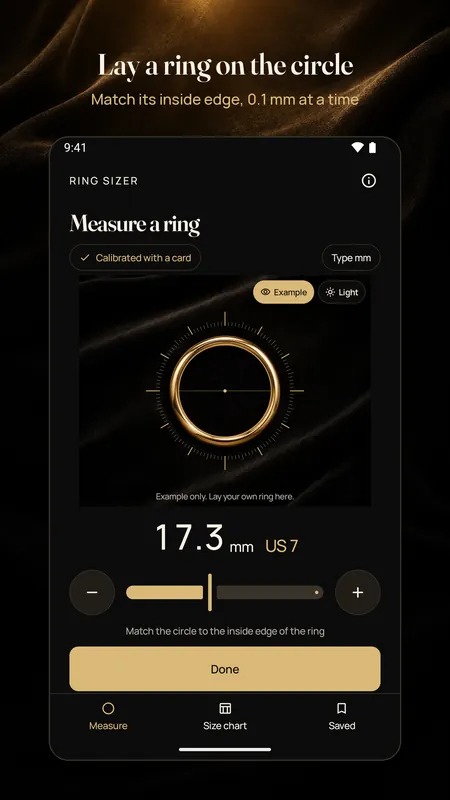
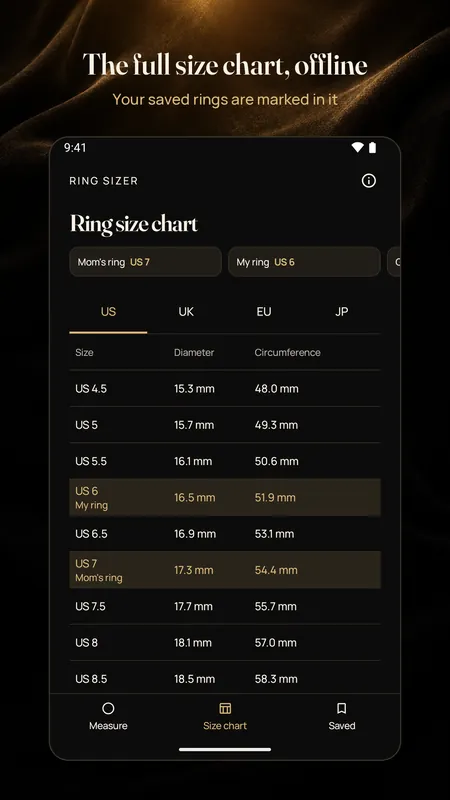
A phone doesn't know how big its own pixels are, at least not exactly enough for rings. Half a US size is only about 0.4 mm across the inside, so a circle that's drawn 3 percent too big would already put you in the wrong size.
So the first thing Ring Sizer does is check your screen with a card. Any bank card, ID card or store card works, because they all share the same standard size. Lay it flat on the screen, move the outline until it matches the card's edges, and save. The card isn't read, and you can cover the numbers with your thumb. After that, the circle on the screen is drawn at real size, and you won't need to do it again on the same phone.
Use a ring that fits the finger you're measuring for. A short guide before you start shows the right way and the wrong way to line it up.
Grow or shrink the circle until its gold line just touches the inside edge of the ring, not the outside. The circle moves in 0.1 mm steps, and you can hold the buttons to move faster.
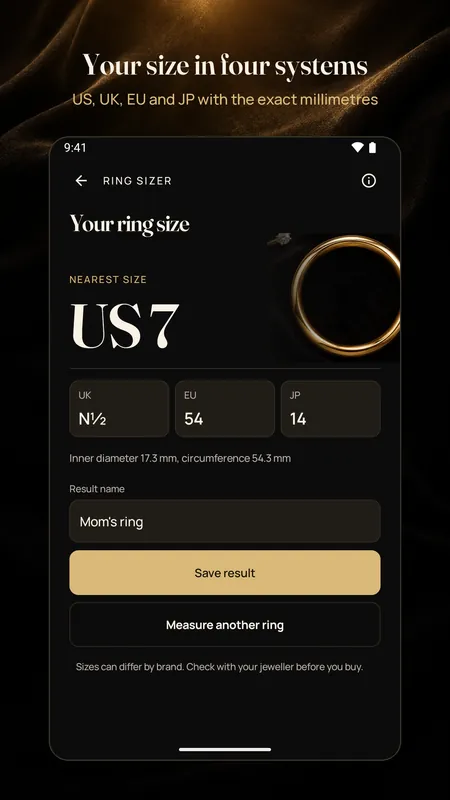
You get the US, UK, EU and Japanese size, plus the inside diameter and circumference in millimeters. Give it a name and save it if you like.
A ring that's 17.3 mm across the inside comes out as a US 7, a UK N½, an EU 54 and a Japanese 14. For a dark or black ring, switch on the light background so the edge is easy to see.
If you'd rather start in your browser, the ring size chart and converter on this site uses the same size tables. It converts a diameter or a circumference you've measured, and it explains how each sizing system works.
Yes. Measuring, the chart and saved sizes are all free. A small banner shows only on the chart and saved rings screens, never while you check the screen or measure, and your first measurement is never interrupted. A one time purchase removes the ads.
Screens differ in how many pixels they fit into a millimeter. The card is a known size, so matching its outline tells the app exactly how big to draw the circle on your phone. The card itself is never read or photographed.
The circle is drawn in 0.1 mm steps once your screen has been checked, which is finer than the gap between two sizes. The bigger risk is lining it up with the outside edge of the ring instead of the inside, so take your time on that step.
Close, but not always exactly. Ring sizes can differ a little between brands and jewelers. If you're buying an expensive ring, check the size with your jeweler before you order.
No. It works offline, and there's no account. Your saved sizes stay on your phone.
Can't decide what to eat or who goes first? Pick a ready made wheel or build your own, then spin.
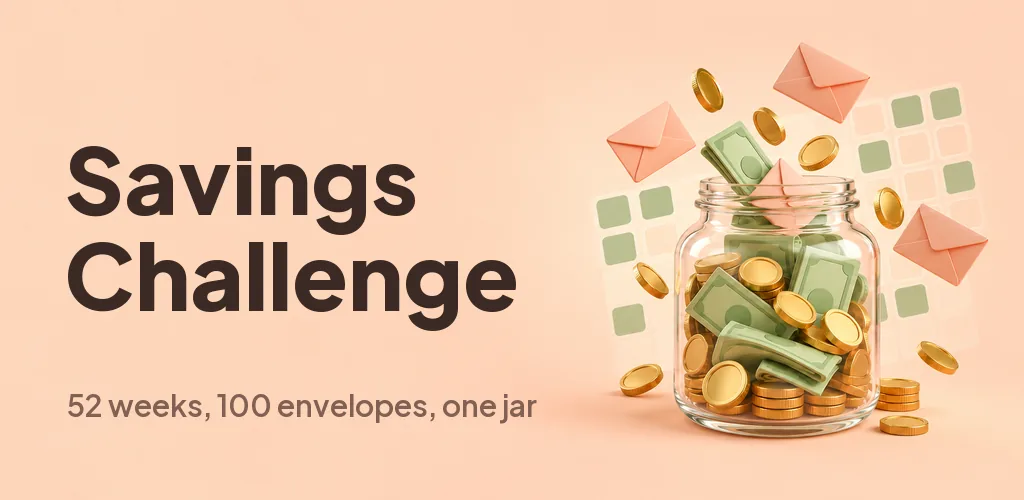
Pick a week or draw an envelope, tap to save and watch the jar fill up. Do 52 weeks, 100 envelopes or your own goal.
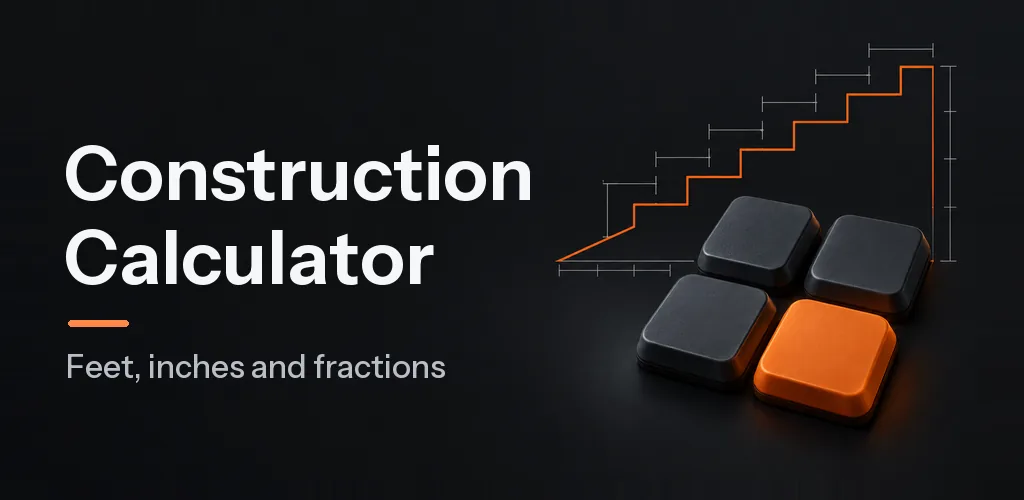
A feet, inch and fraction calculator that keeps exact fractions. Pro adds stairs, rafters, concrete and six more tools for $6.99 once.