
Decision Wheel
Decision maker
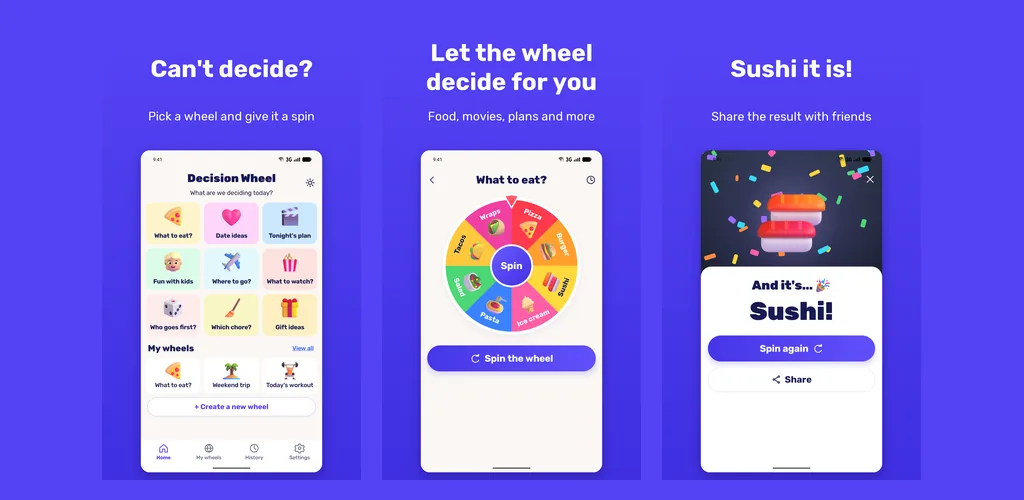
Can't decide what to eat or who goes first? Pick a ready made wheel or build your own, then spin.

Inventory · Android
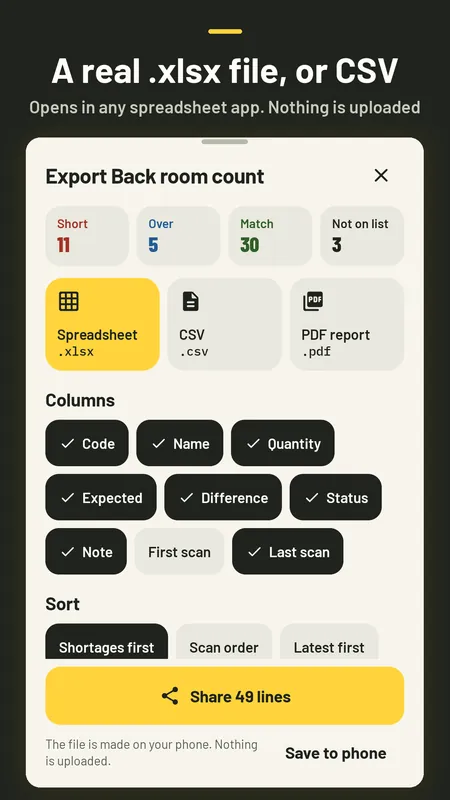
Point the camera at a barcode and it becomes a row. Scan the same code again and its quantity goes up. When you're done, you share a real .xlsx file or a CSV, and there's no account, no cloud and no limit on scans.
Latest version 1.0.0, November 2026Page updated 23 November 2026
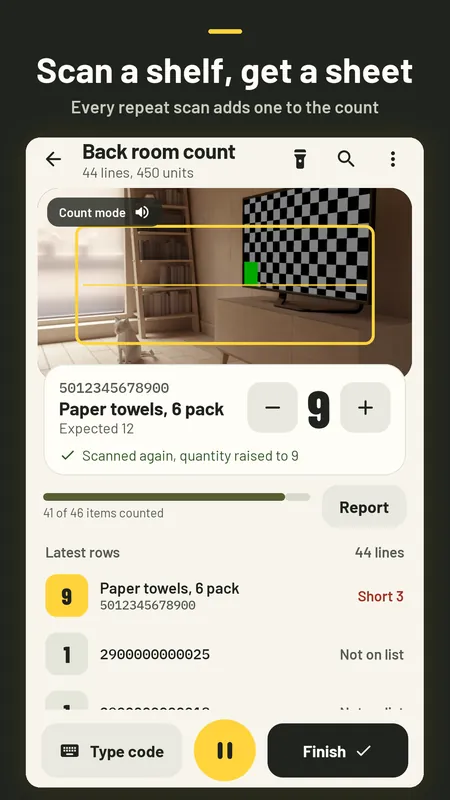
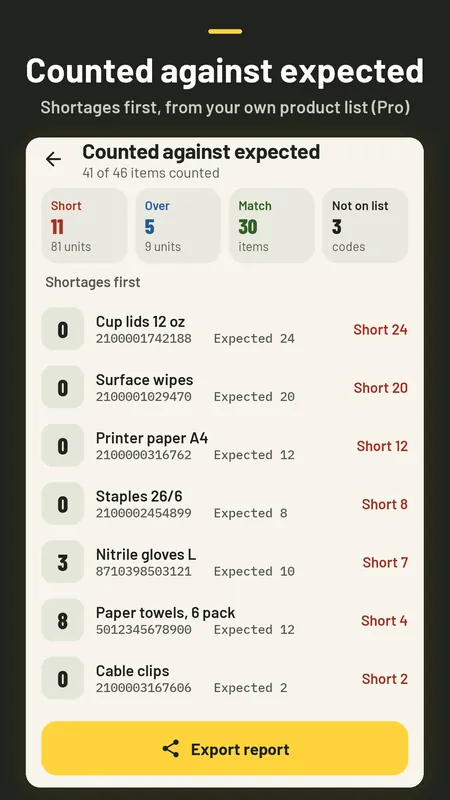
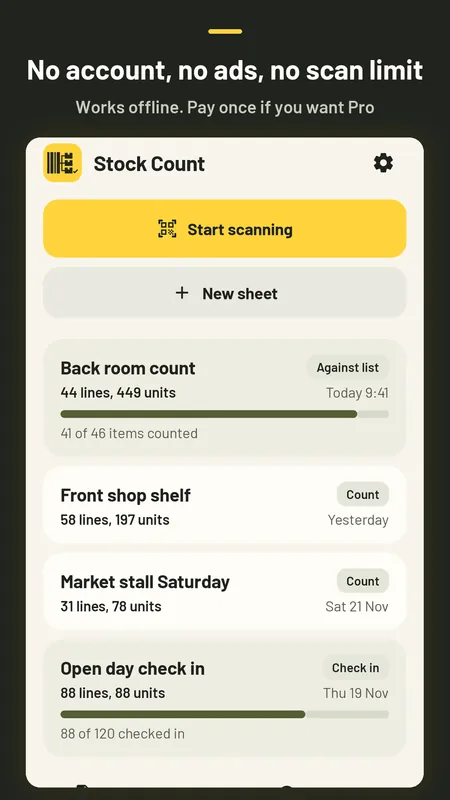
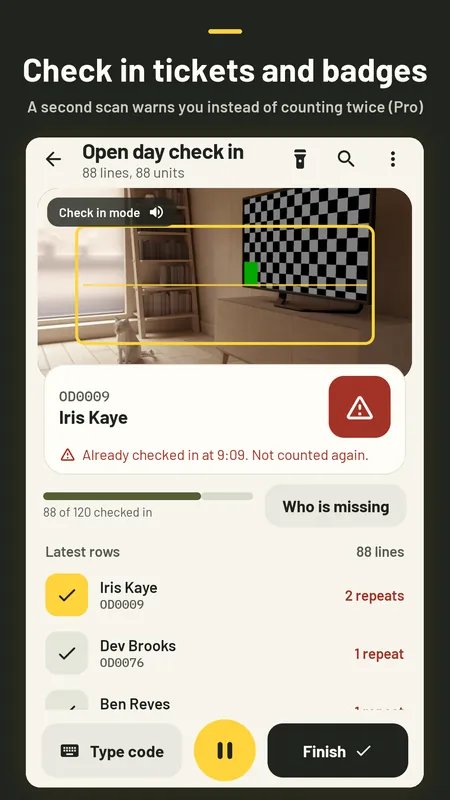
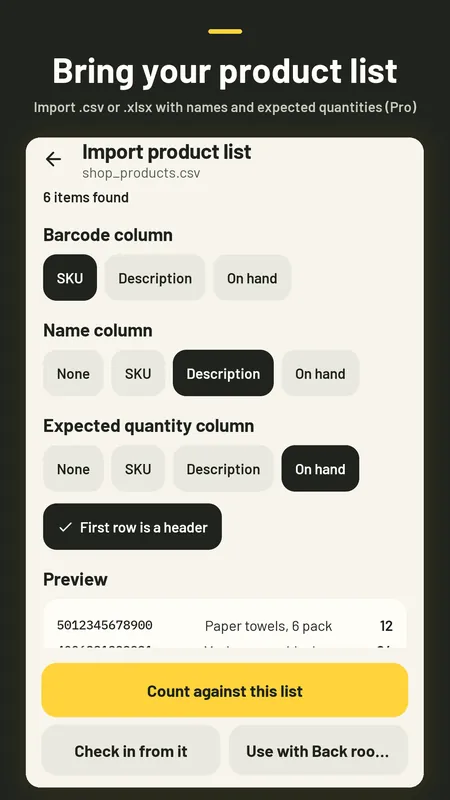
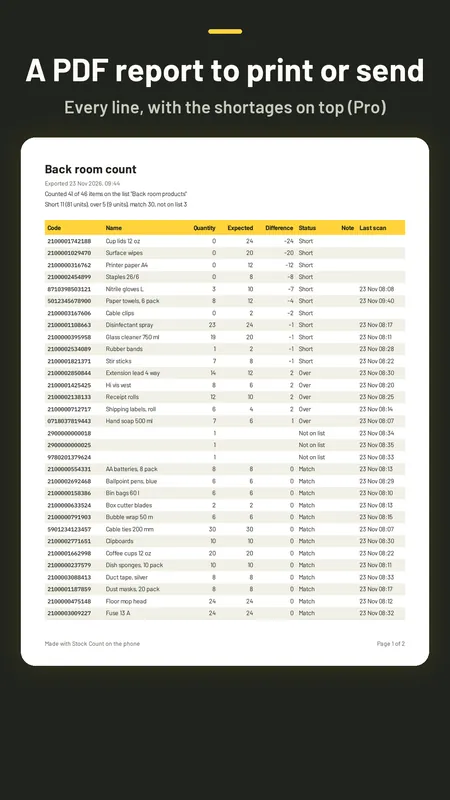
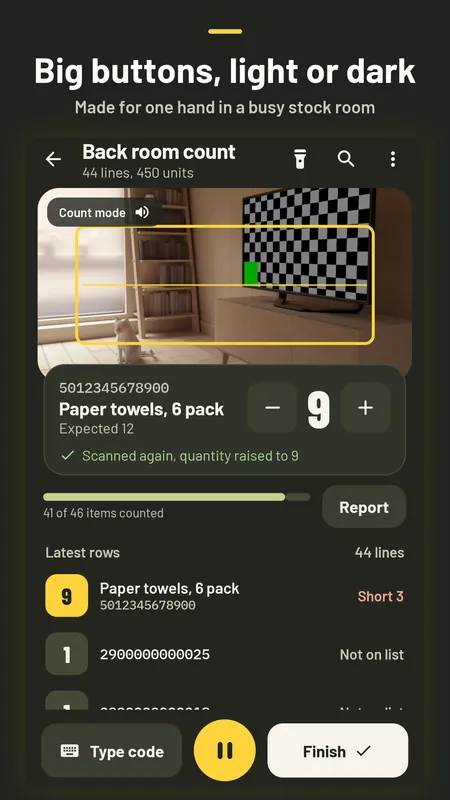
I built Stock Count for counts that don't need a big inventory system: a shop shelf, a back room, a market stall, a school library or a box of parts in the van. The barcode reading happens on the phone, so it works in a basement with no signal. It doesn't even have permission to use the internet, and nothing you scan leaves the phone until you share the file yourself.
Codes are written as text in the .xlsx file, so leading zeros stay and a long number doesn't turn into 5.01E+12.
Unlimited scans, count mode, quantities, notes, typed codes, one sheet at a time and both export formats. There are no ads in the free version or in Pro.
EAN, UPC, Code 128, Code 39, ITF, Codabar, QR, Data Matrix, PDF417 and Aztec. Very small, shiny or curved labels can be slow on some phones. Good light and a steady hand help, and the torch button is right there on the scan screen.
No. Stock Count is free to download, and Pro is $6.99 once through Google Play. It comes back on a new phone with the same Google account when you tap Restore purchase.
Yes. Scanning, counting and exporting all happen on the phone with no connection at all.
In the app's own storage on your phone. Android's backup can bring them to a new phone, and Pro can save a backup file wherever you like. There's no account and no server.
Yes. The .xlsx file and the CSV open in any spreadsheet app, and the codes keep their leading zeros.
It lets Stock Count read barcodes. You're asked for it only when you start scanning, and camera frames are read on the phone and never saved. If you say no, you can still type codes and import lists.
Can't decide what to eat or who goes first? Pick a ready made wheel or build your own, then spin.

Pick a week or draw an envelope, tap to save and watch the jar fill up. Do 52 weeks, 100 envelopes or your own goal.

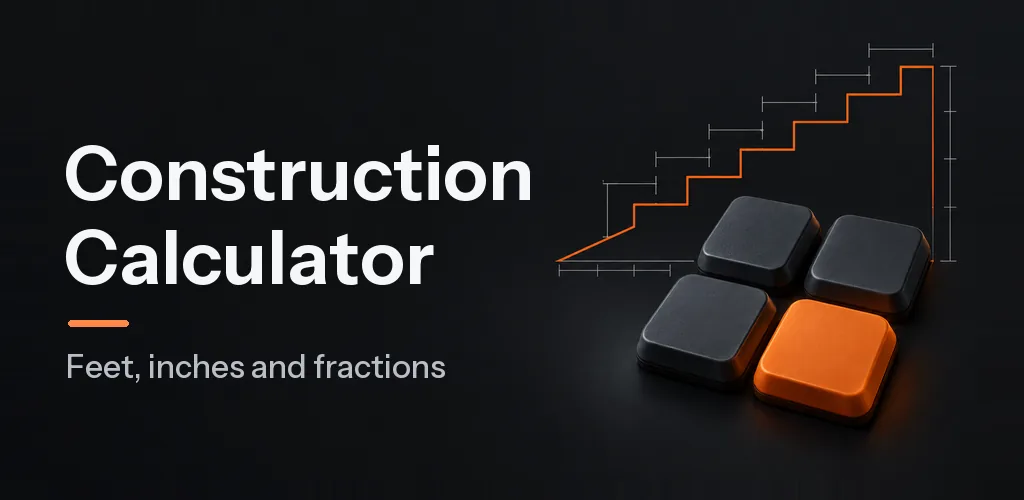
A feet, inch and fraction calculator that keeps exact fractions. Pro adds stairs, rafters, concrete and six more tools for $6.99 once.